
Getting Started with Scripting
This section will cover how to set up the environment to start developing scripts locally.
NOTE
Kursive uses Kotlin as it's scripting language. This documentation will assume you know at least the basics of Kotlin and how to program in general. You will want to learn Kotlin before getting started with Kursive.
Environment
While scripts can be opened in any text editor, it's highly recommended that you download and use IntelliJ as it has first class support for Kotlin scripts, and provides complete syntax highlighting and autocomplete.
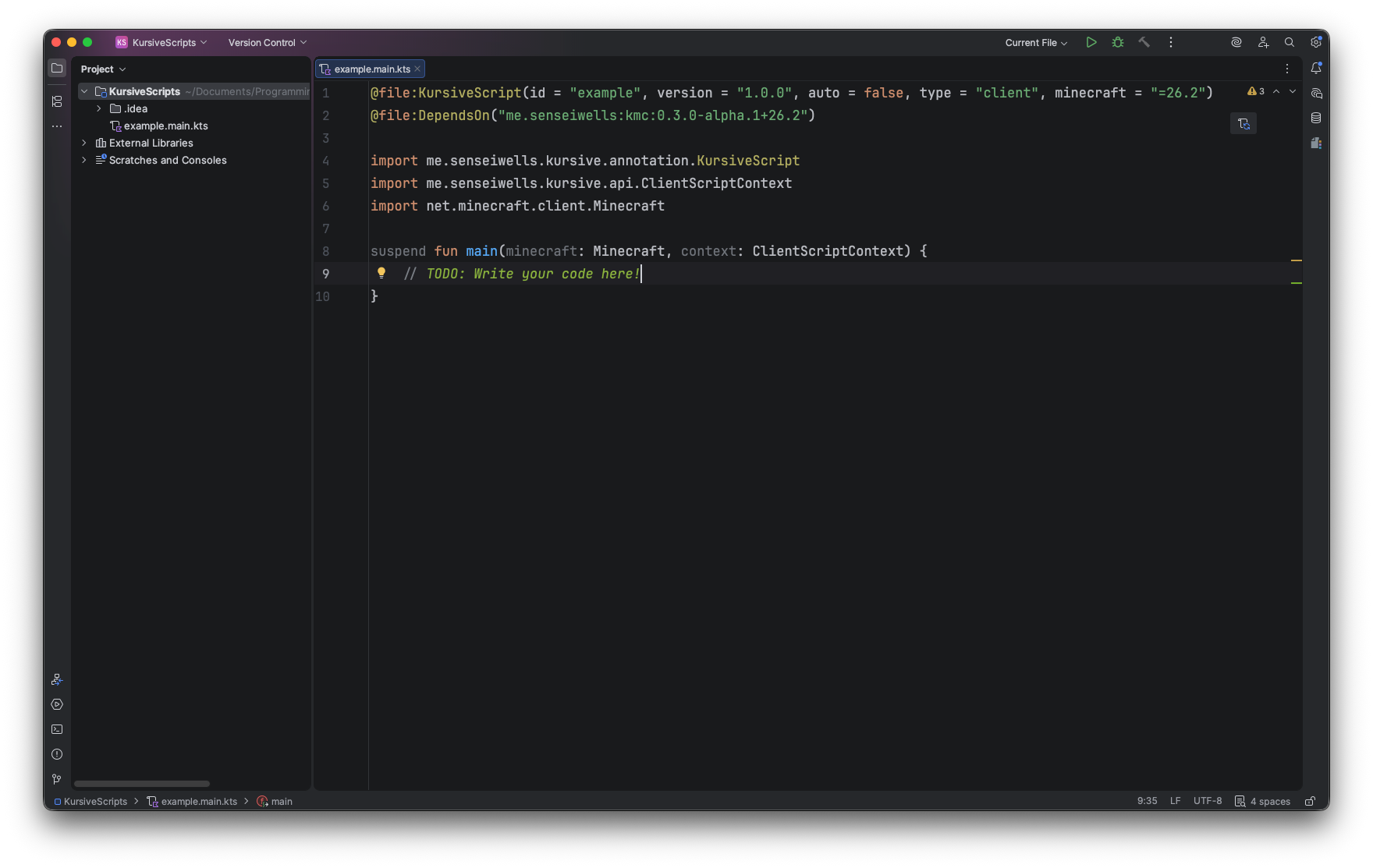
We use a dependency to get IntelliJ to properly index the Minecraft code and Kursive apis. This is needed so IntelliJ can give you proper highlighting and autocomplete while you develop your scripts. This dependency can't be distributed though as it contains Minecraft code so you will need to generate it locally for IntelliJ to index it properly.
Generating the dependency is relatively simple, first we need to clone the Kursive repo, and then we just need to run a simple Gradle command. Cloning the repo essentially downloads a copy of Kursive's code. It's recommended to use git as this allows you to trivially keep up with Kursive updates in the future. You will also need Java 25 on your machine.
Firstly navigate to a folder where you want to put the Kursive repo then open that folder in the terminal or command line.
- Clone the reposh
git clone https://github.com/senseiwells/Kursive.git - Go into the Kursive foldersh
cd Kursive - Generate the dependency jar, this will publish to maven localsh
gradlew publishKmc
# Or ./gradlew publishKmc on mac/linux
By default, this will generate the dependency for the latest version of Kursive (which will also typically be on the latest version of Minecraft). If you want to target an older version you can switch branches using: git checkout <mc-version>. There must be a released version of Kursive for that Minecraft version.
git checkout 26.2If Kursive has updated since you cloned/checked out a branch you can run the following to pull the changes:
git pullIntelliJ should automatically detect and find the dependency and should provide highlighting for your script. You can check whether the dependency was successfully generated by checking that ~/.m2/repository/me/senseiwells/kmc/0.4.0-alpha.2+26.3 exists (the version number may be different depending on the version of Kursive/Minecraft you are targeting).
Once you have IntelliJ set up and the dependency generated you are all set to start creating scripts!